
 Enter STARCLASH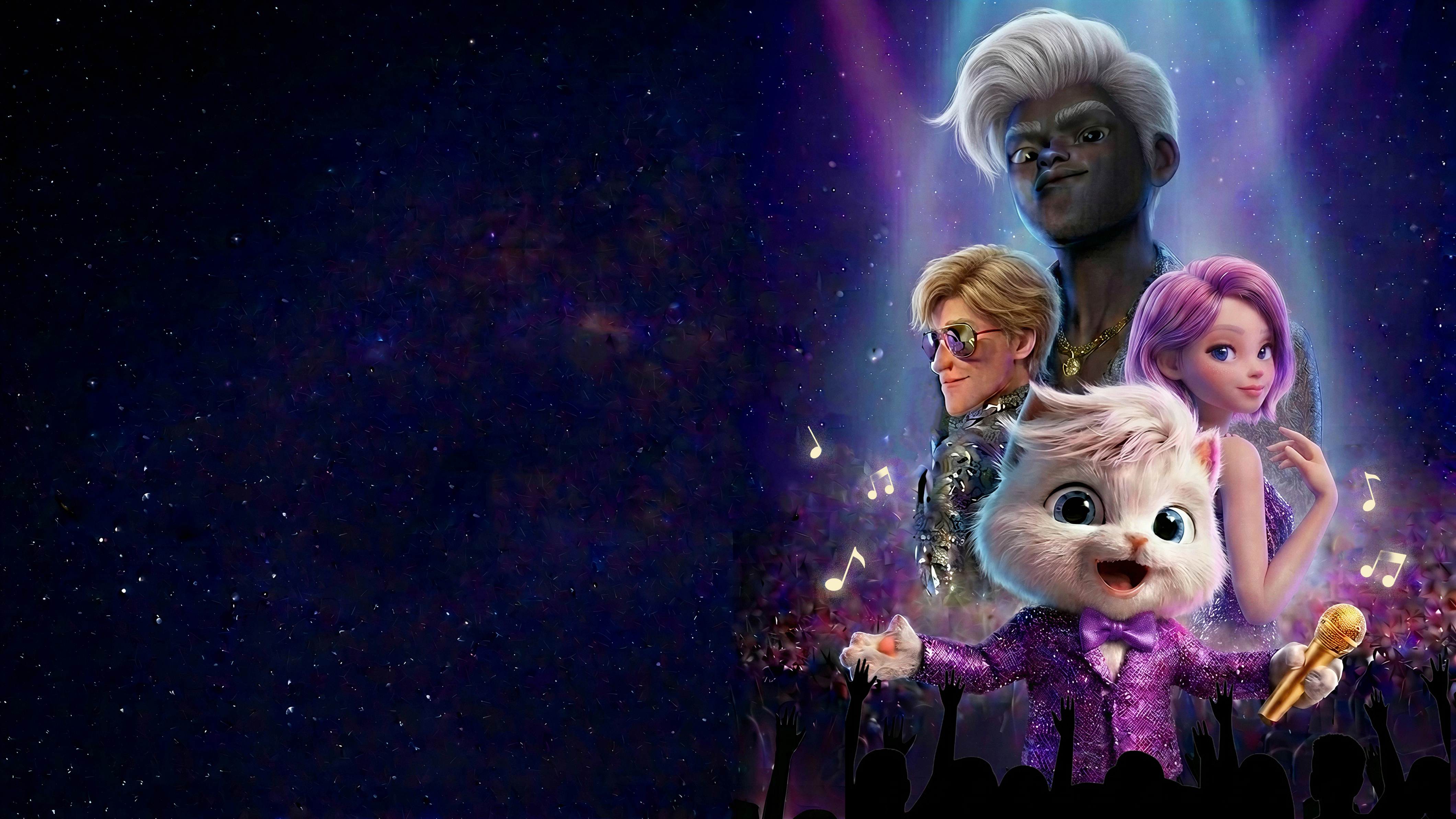



Feel the spotlight
Step into the story
Not a film. Not a game.Immersive animated musical
where you are the star.
Step into a spatial world where you walk the red carpet, feel the crowd roar, sing, dance, and take center stage.

Jack (You)
The Fallen Star

Kn1ght
The Loyal Ally

Luna
The Rising Voice

Adrian
The Ruthless Rival
Audience voices
What people are saying
This feels like I'm in a Pixar movie or a DreamWorks movie, but better, because I'm actually able to feel like I'm in the movie itself versus just watching a flat 2D screen
 Justin RyanFounder of Spatial Insider — spatial tech news & insights@justinryanio
I love both the story and the technical ambition of STARCLASH. You get to be the star on the red carpet, and the custom camera work and spatial audio pull you even deeper into the story.
 Hibiki SatoCEO of Amplium — Immersive Video Encoder@hbk_310
Enter STARCLASH on

What is STARCLASH?
STARCLASH is a 33-minute first-person immersive animated experience for Apple Vision Pro and Meta Quest. Instead of watching someone else’s story, you enter an animated world as the main character and experience your own performance and red-carpet moment.
Is STARCLASH a game or a movie?
STARCLASH sits between an animated film and an immersive experience. It has no levels, scores, combat, or controller-based challenges—instead, it focuses on story, music, emotion, and events happening directly to you.
How long is STARCLASH?
STARCLASH lasts approximately 33 minutes, giving the story time to build a meaningful emotional journey while remaining approachable for people who may be new to immersive headsets.
Is STARCLASH interactive?
STARCLASH is personally staged around the viewer, but it is not interactive like a traditional VR game. Your point of view and presence are central, while tasks, menus, and interruptions are minimized so the story can flow naturally.
Can STARCLASH cause motion discomfort?
STARCLASH includes some fast and intense first-person movement. During these moments, the experience automatically narrows your field of view to help reduce motion discomfort. If you begin to feel unwell, pause the experience, remove your headset, and take a break before continuing.